


QR & Barcode Scanner
4.4364.00 Reviews
App Specs
- Version
- 1.8.5
- Updated On
- License
- Free
- Downloads
- 5,000,000+
- Developer
- AT Technologyy
- Categories
- Productivity
- Platform
- Android, iOS
Screenshots
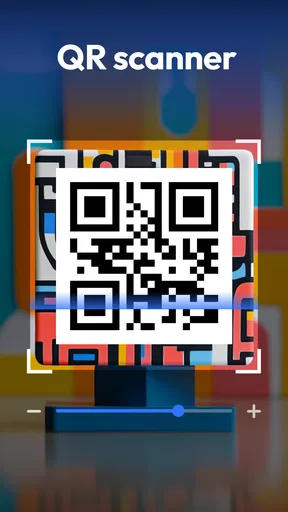
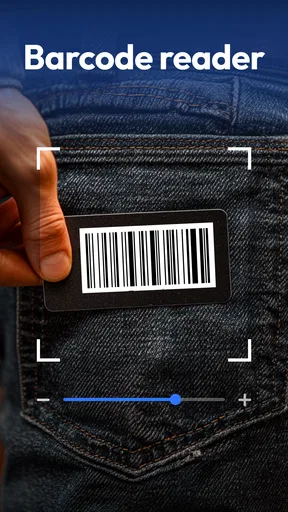
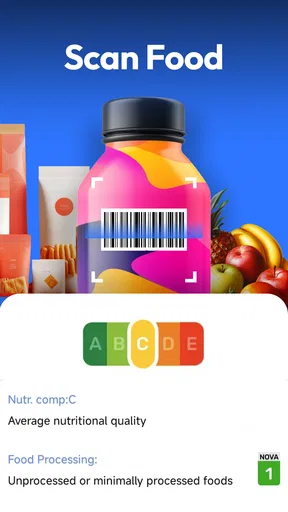
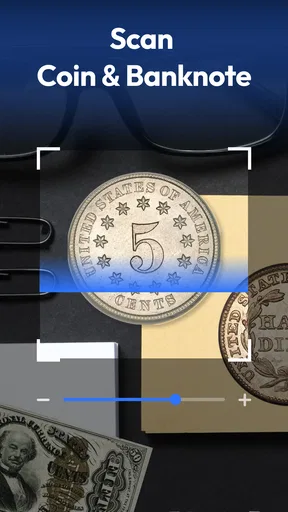
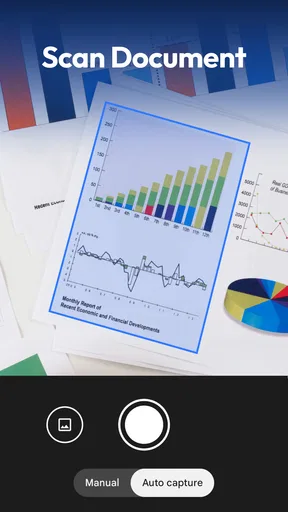
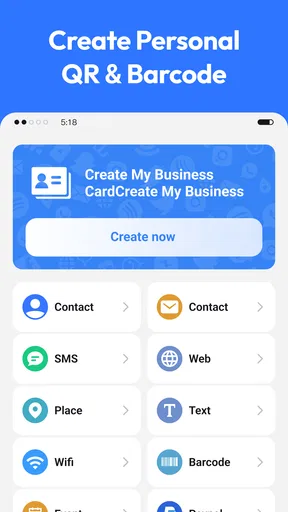
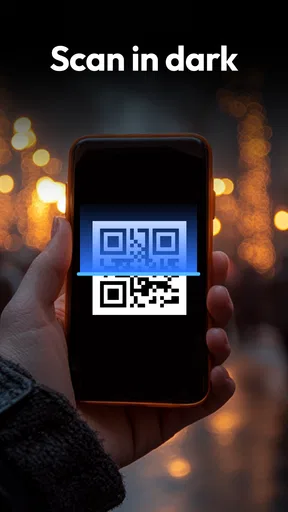
 Analysis by AppCompare
I reach for a scanner app when a code is the only practical way to get information: a menu, a product label, or details someone has shared on paper. QR & Barcode Scanner is built around that simple job, with an extra capability that makes it useful beyond reading codes: it can create QR codes as well. I like that balance. It is not trying to turn a quick scan into a complicated project; it gives me a direct way to read or share compact information from my phone.
Creating a code is more than a novelty
The ability to make a QR code is most useful when it removes a small but recurring bit of friction. If I need to share Wi-Fi access with a visitor, for example, a code can be easier than spelling out a long password and correcting a mistyped character. It can also be a tidy way to pass along a piece of text or a web address. The practical benefit is not that QR codes are exciting on their own; it is that someone can scan instead of retyping.
I would still think about what I put into a code before sharing it. A code is a container, not a privacy setting: if it contains information meant for one person, anyone else who can scan it may be able to read it too. For a public menu or a general contact detail, that is usually part of the point. For a password or personal information, I would share it only with the people I intend to give access to, and avoid leaving a printed copy somewhere it can be casually scanned.
A useful routine for scans you may need again
Keeping a scan history can make the app more useful than a one-time camera shortcut. If I scan a product barcode while comparing items, I can return to the result later rather than trying to remember which package I checked. The same habit can help with a code on a document or notice that I need to revisit after putting my phone away. My tip is to treat the history as a short working record, not as a filing system: if a result matters, save the information somewhere you already use for longer-term notes.
There is also a practical distinction between reading a code and deciding what to do with its contents. A scan may reveal a web address or text, but I would pause before opening an unfamiliar destination, especially when the code is on a sticker in a public place. The convenience of scanning should not replace ordinary caution. Checking that a link looks relevant before proceeding is a sensible habit, just as it is when a link arrives in a message.
Where it fits in a normal day
Picture arriving at a café with a QR menu on the table. I can open the scanner, point the camera at the code, and get the information without searching through settings or installing a separate tool for that one task. Later, I might scan a barcode while shopping and use the result as a reminder to compare the item at home. These are small jobs, but they are exactly the kind that benefit from an app that opens straight into scanning rather than making me navigate through several screens first.
That straightforward approach also suits practical household tasks. I might create a code with a short note for a shared space or use one to pass information to a guest without asking them to type it out. The best use is usually a short, stable piece of information that is easier to scan than to enter manually. If the details change often, a printed code can quickly become stale, so I would use a new one or choose a more flexible way to share the information.
Worth Reading Before You Choose

EA SPORTS FC Mobile 26 Is a Bigger Football Game, but It Takes Time

Flipboard Shows What News Apps Must Do Beyond the Feed

Switching to Android Auto Means Rethinking Your Driving Routine

Google Calendar Makes a Crowded Week Easier to Manage

Ludo King Makes the Most of the Minutes Between Plans

Baby Panda World Brings Quick Play to Modern Phones, but Its Game Library Feels Busy
Unpacking the Features
First off, the QR & Barcode Scanner app is incredibly straightforward. I mean, even my tech-phobic grandma could probably figure it out. Once you open the app, your camera is ready to scan. No frills, just point and shoot, and you’re good to go. Whether it’s a QR code or a product barcode, it’s scanned in seconds.
What’s cool is that it doesn’t just stop at scanning. You can also create your own QR codes. Imagine being able to generate a QR code for your Wi-Fi network. Sharing your Wi-Fi password just got a whole lot easier! Plus, the app keeps a history of all your scans, so you can easily revisit them if needed.
User Experience
Let’s talk about user experience because, honestly, who wants to wrestle with a complicated interface? The app is super intuitive. Just launch it, and you’re immediately in scanning mode. The interface is clean, with no unnecessary clutter. It’s like the developers knew exactly what we wanted: quick and easy scanning without the hassle.
One thing I absolutely love is how fast it is. Some apps take a while to focus or scan, but not this one. It’s like a blink-and-you-miss-it kind of speed. Plus, it supports a wide range of formats, so you’re not limited to just QR codes. It handles barcodes, Data Matrix, and even UPC codes effortlessly.
Why You Need This App
Now, you might be wondering why you even need a QR code scanner. Well, QR codes are popping up everywhere—from restaurant menus to business cards to product packaging. Having this app means you’ll never miss out on special promotions or important information hidden behind those cryptic codes. Plus, with the ability to create your own codes, you can share contact details, URLs, or any text with ease.
Another thing worth mentioning is its offline capabilities. No internet? No problem! You can still scan codes without a connection, which is super handy when you’re out and about.
How it compares with the alternatives
On many phones, the built-in camera can scan QR codes, so downloading a separate app is not automatically necessary. If you only scan an occasional menu or sign, your camera may already cover that simple need. I see the case for this app when I want scanning and code creation in one place, or when I regularly work with product barcodes and formats beyond the everyday QR code. The extra utility is convenience, not a reason to install it if the tools already on your phone do everything you need.
Compared with a shopping-focused barcode tool, this is a more general-purpose choice: it is useful for reading codes in ordinary situations as well as making QR codes to share information. That makes it a better fit for mixed tasks than for someone whose main goal is building a detailed product-price comparison routine. I would choose a dedicated shopping service when price tracking and product research are the priority, and use this scanner when I want a quick reader and creator without turning the task into a larger workflow.
What to expect before installing
This is a free productivity app from AT Technologyy, rated for Everyone. Its average rating is 4.5 from around 8,300 ratings, and it has more than a million installs. It was released on May 28, 2025, and version 1.8.3 is the current version. Those figures suggest that it has found an audience, but they do not tell me whether it suits every phone or every scanning habit; the most relevant question is still whether its simple reader-and-creator approach matches what I need.
For Android users, the minimum operating system requirement is version 7.0. I would check that before installing, especially on an older device. Because scanning relies on the camera, I would also expect to use it in a setting where the code is visible and the phone can point steadily at it. A screen with glare, a damaged label, or a code printed too small can make any scanner less convenient; moving closer, changing the angle, or improving the light is often a better first try than repeatedly tapping the screen.
Who gets the most from it
I would recommend it to someone who scans codes often enough to appreciate having a dedicated place for the task, and who would actually use code creation or scan history. It is especially handy for people sharing short information in person, checking a product code while shopping, or revisiting codes they have already scanned. The direct launch into scanning helps when the goal is simply to point, read, and get on with the day.
I would skip it if I rarely scan anything and the built-in camera already handles the occasional QR code. I would also look elsewhere if I need a specialised inventory system, advanced product research, or a way to manage a large library of changing codes. This app’s appeal is its modest scope: quick scanning, a selection of code formats, the ability to create QR codes, and a history that can help with recent results. It is not a substitute for a tool designed around a more demanding business or catalog workflow.
In summary, the QR & Barcode Scanner app is a simple yet powerful tool that’s perfect for anyone looking to make the most out of QR and barcode technology. It’s fast, reliable, and incredibly user-friendly. So, next time you see a QR code, you won’t have to wonder what hidden gems it holds. Just whip out your phone, scan away, and unlock a world of possibilities!
Pros
- Fast and accurate scanning capability.
- Supports multiple barcode formats.
- User-friendly interface design.
- No internet connection required.
- Lightweight and quick to install.
Cons
- Contains in-app advertisements.
- Limited editing features for scanned data.
- No cloud backup for scanned codes.
- Lacks customization options.
- Occasional issues with low-light scanning.
FAQs for QR & Barcode Scanner
What features does the QR & Barcode Scanner app offer?
The QR & Barcode Scanner app provides a range of features including fast scanning, support for all standard QR and barcode formats, and the ability to save scan history. It also offers additional functionalities like creating your own QR codes, sharing scanned data, and integrating with other apps for seamless use.
Is the QR & Barcode Scanner app free to use?
Yes, the QR & Barcode Scanner app is free to download and use. However, it may offer in-app purchases or advertisements to unlock premium features or remove ads. Users can enjoy the basic scanning functionalities without any cost, making it accessible for everyone.
How secure is the QR & Barcode Scanner app?
The QR & Barcode Scanner app prioritizes user security by ensuring that scanned codes do not automatically execute any actions without user consent. It also does not store any personal data unless explicitly saved by the user. Always verify the source of QR codes to avoid phishing links.
Does the app require an internet connection to scan codes?
No, the QR & Barcode Scanner app can scan QR codes and barcodes without an internet connection. However, if the QR code contains a URL or requires online actions, an internet connection will be necessary to access the content. Offline scanning is perfect for basic code recognition.
Can the QR & Barcode Scanner app scan codes from images?
Yes, the app can scan QR codes and barcodes from images stored on your device. This feature is particularly useful when you receive codes via email or social media and need to scan them without using the camera. Simply open the image within the app to proceed with scanning.


